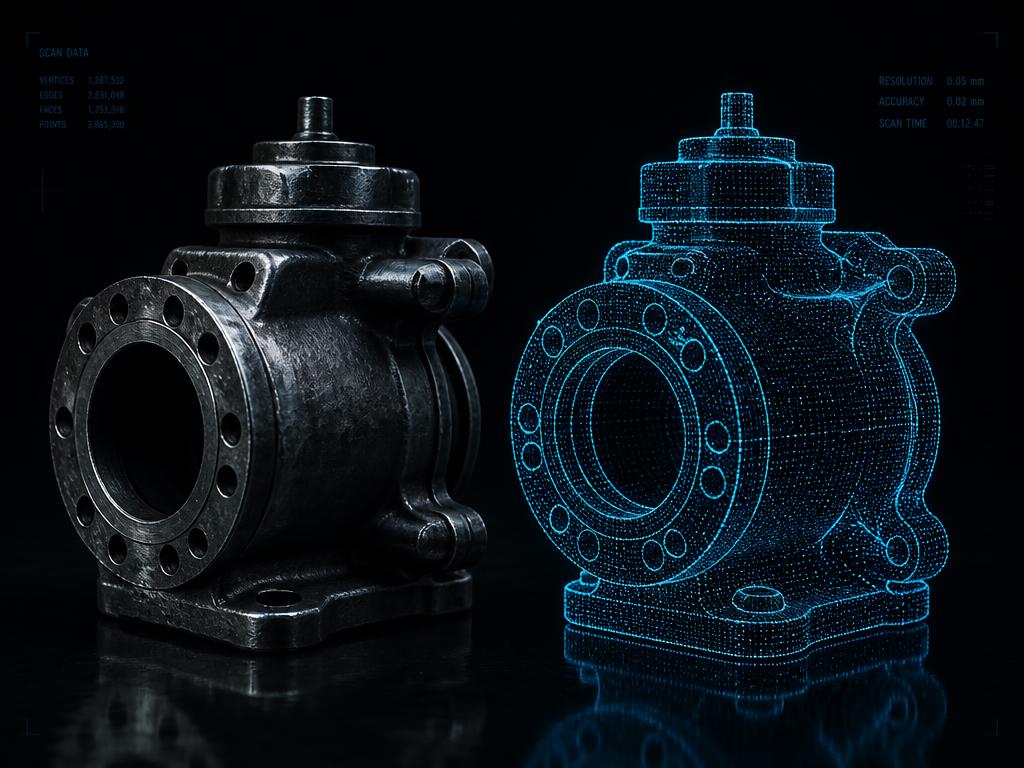
01 · Reconstruct
Real objects into clean meshes
Upload one photo, several angles, or an existing OBJ, PLY or GLB scan. Velnorix3D rebuilds the geometry and cleans the topology in your browser.
Open reconstruction →Velnorix3D turns photographs, 3D scans and written descriptions into accurate, true-scale meshes — then hands you the engineering numbers that decide whether the printed part actually works.
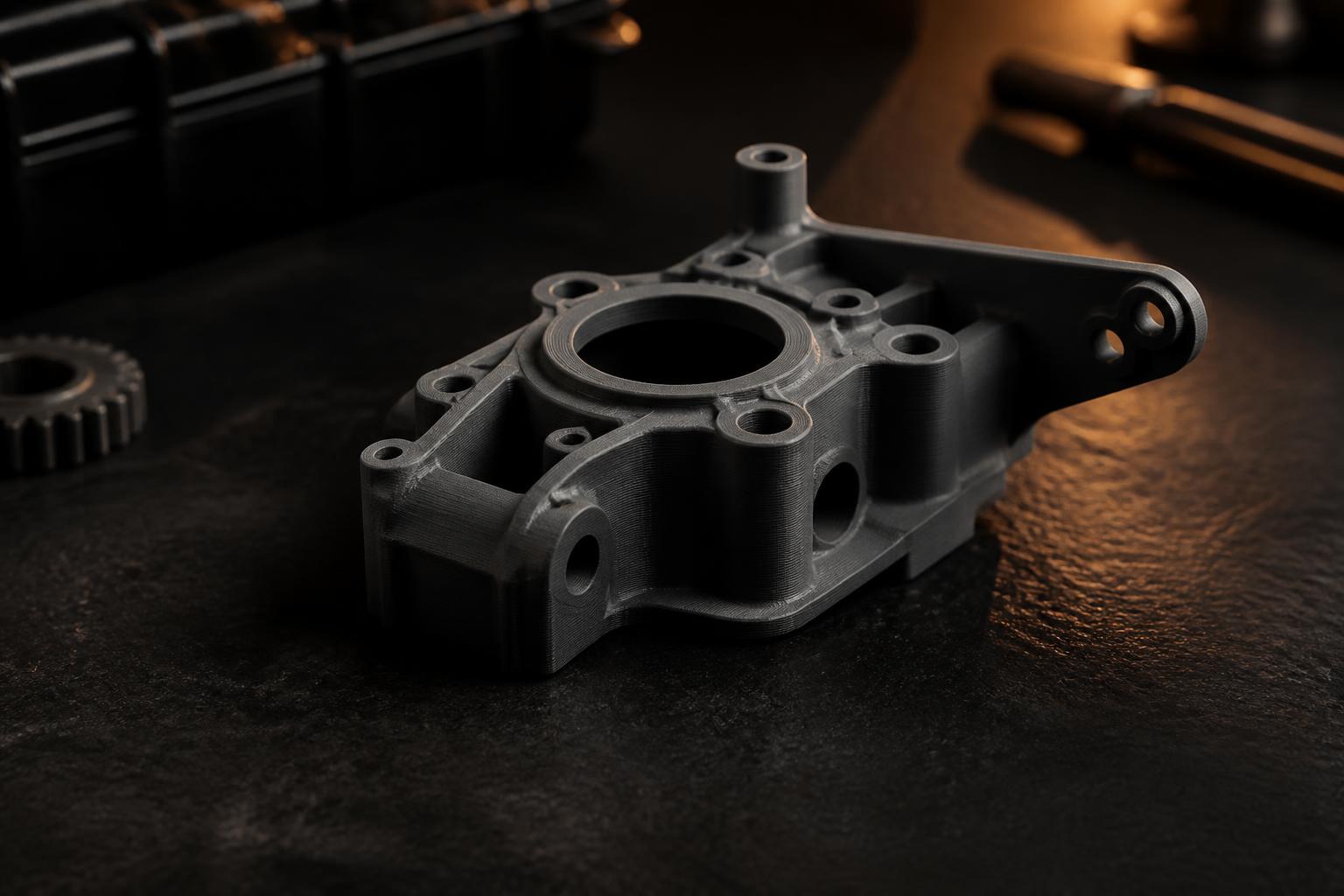
Upload one photo, several angles, or an existing OBJ, PLY or GLB scan. Velnorix3D rebuilds the geometry and cleans the topology in your browser.
Open reconstruction →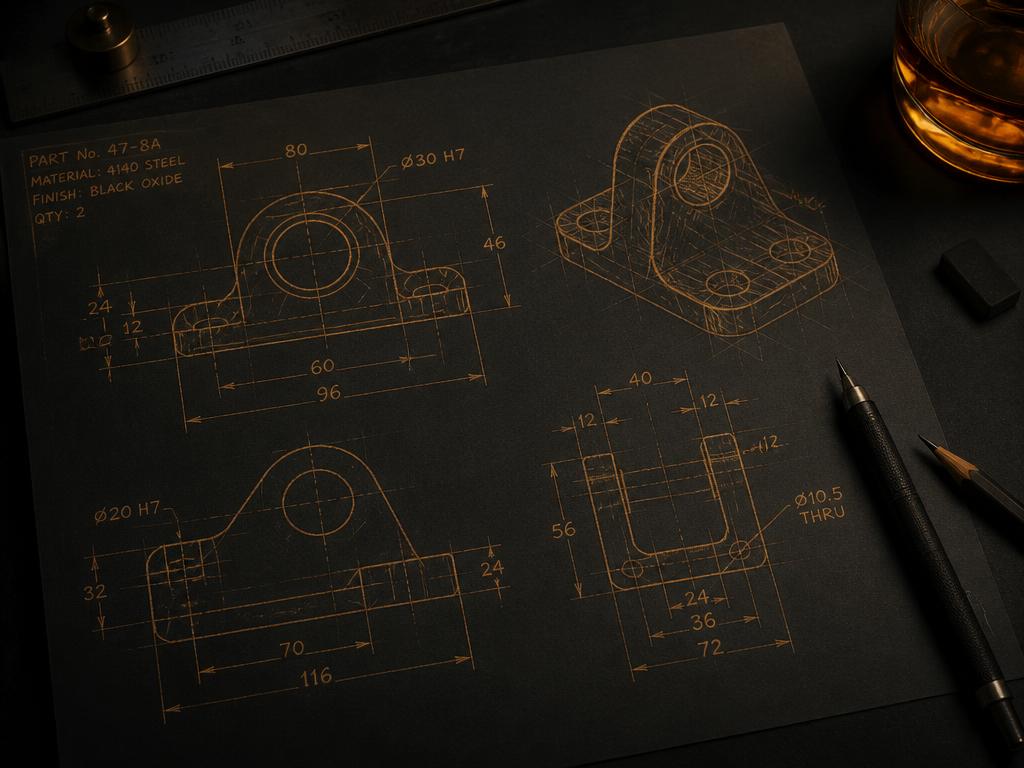
Describe the object and the studio identifies the real component, its true millimetre size, and draws reference views before building the mesh.
Open design studio →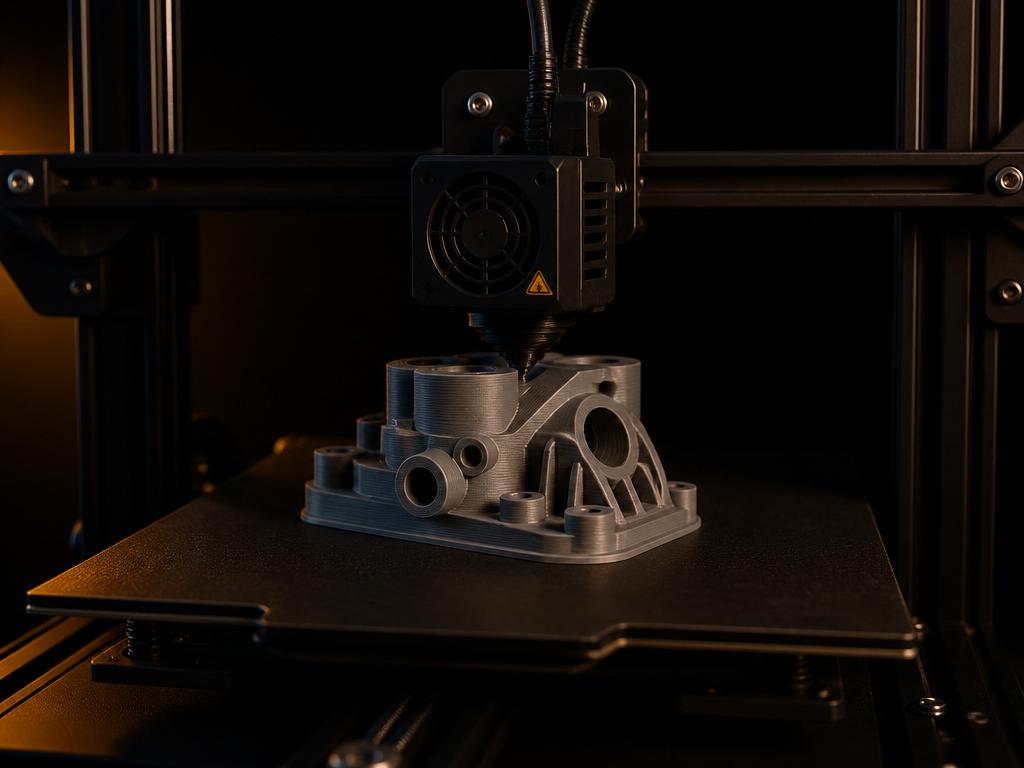
Every result opens in the Print Studio with real dimensions, volume, filament weight, print time, orientation control and a photo-vs-model compare slider.
See the print studio →A photo, a set of angles, a scan file — or just a sentence.
Geometry and topology are inferred and cleaned automatically.
Set real-world size, orientation, material and infill.
Download STL and slice in Cura, PrusaSlicer or Bambu Studio.
No CAD experience required — the studio handles reconstruction, scale and printability checks for you.